Everything you need to know about tracking in the WW app
And by everything, we mean 1. why tracking is so important to weight loss, and 2. how easy it is in the WW app.
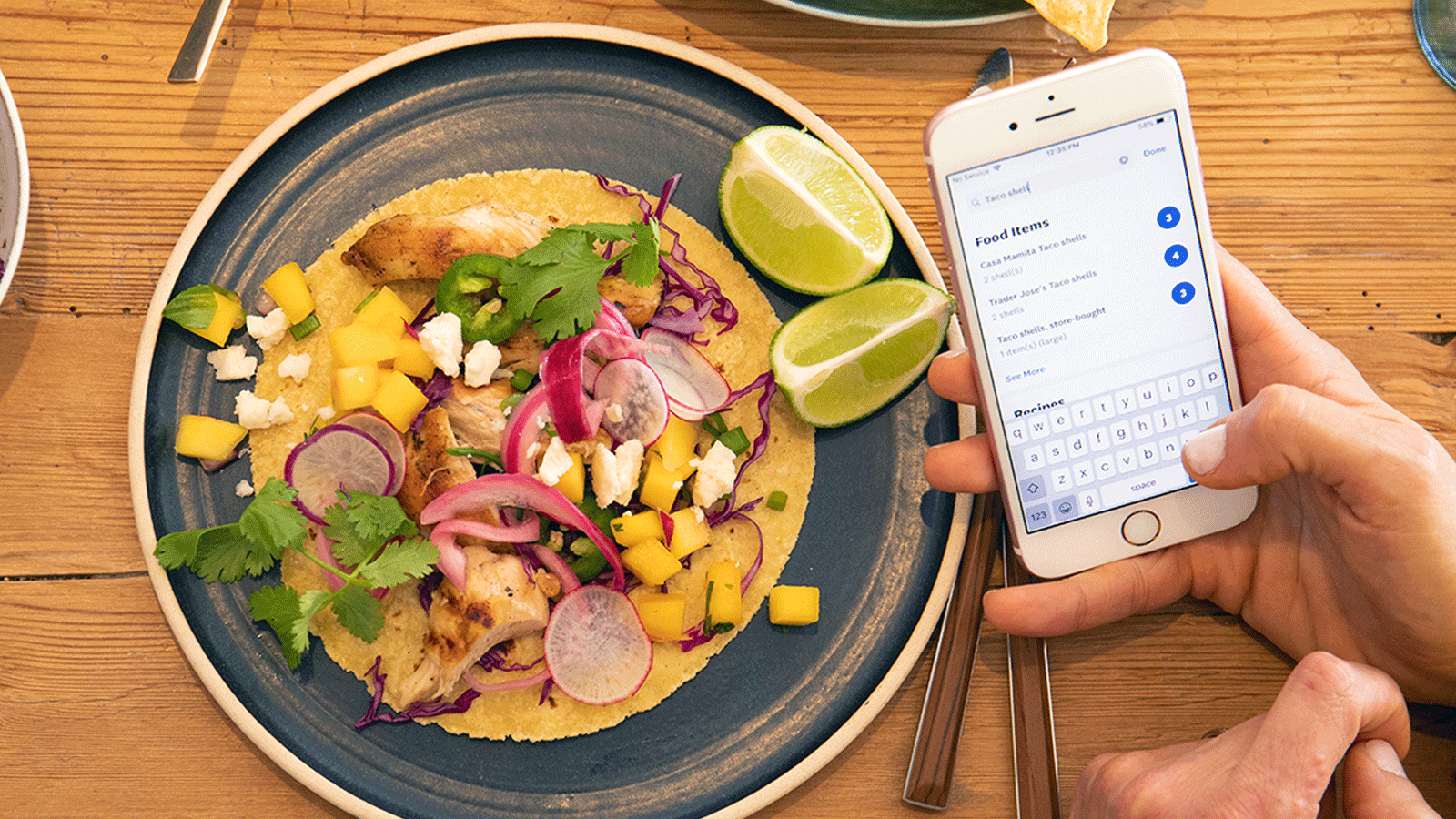
You don’t have to track ZeroPoint® foods on the WeightWatchers program, but it is important to track foods that have Points® values.
Why should I track?
Two reasons, really. On a goals level, research shows that tracking helps you lose and maintain your weight. But on a deeper level, it makes you aware of what you’re eating, how much you’re eating, and how many Points you’re using. Along the way, you’ll start to recognise healthier choices, too.
The WW app is your go-to tool for tracking; not only can you save your frequently eaten foods and browse restaurant menus, but it will also add Points to your Weekly Budget for every 1 Point added for activity.
You don’t need to track your ZeroPoint foods; we’ve already factored them into your Points Budget! (Learn more about ZeroPoint foods here.) But it is important to weigh, measure, and track foods that have Points values.
How to track foods that have Points
From your dashboard, type the name of your food into the search bar. Select the food you want to track from the list. Select a meal time and serve, then tap 'Track Food'. Your daily points will automatically update.
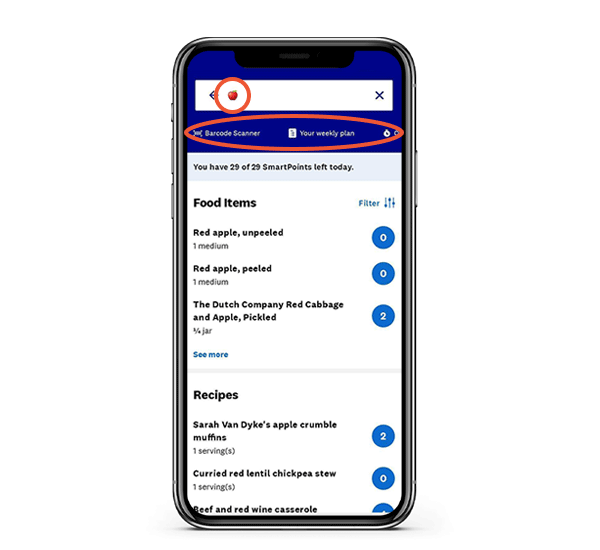
For easy tracking you can also use any of the following features under your search bar:
Barcode Scanner: Scan any product's barcode.
Quick Add: Enter the Points value if you already know it.
Calculator: Enter the nutritional information from the back of a packaged product.
My Foods: Find any food, recipe or meal you have created.
Favourites: Find any saved food or recipe you have starred.
Emoji tracking: Type a food emoji into the search bar, for example an apple 🍏. Then tap the relevant food item.
How to track your weight and progress in the app
Track your weight from your My Day dashboard by scrolling to the ‘Weight’ card under your food tracker. Here you can log your weight (or sync your smart scales to automatically track for you) and view your progress graphs.
Make tracking powerful
Be honest. Don’t worry, no one else is going to see it, so keep it real!
Be accurate. Measure and weigh foods that have a Points value when you can, or use some of these simple techniques to help you estimate portions.
Be kind. Specifically, be kind to yourself. Tracking isn't about being perfect; it’s about doing the best you can. Talk to yourself like you would a friend: would you berate your BFF for missing a day or going over her Points Budget? Instead, focus on small, simple things, like planning your next meal. You’ll be back on track before you know it.
Want to learn more about the WW app?
Our app isn’t just for tracking! Use it to get recipe inspo, explore meditations and audio coaching sessions, meet fellow members with goals and interests like yours on Connect, and so much more. Learn all about it here.